The Second Lock on Your Front Door
Multi-factor authentication sounds like something IT people invented to make your life harder. It wasn't. Here's what it actually is, why it matters, and how to stop dreading it.
The Second Lock on Your Front Door
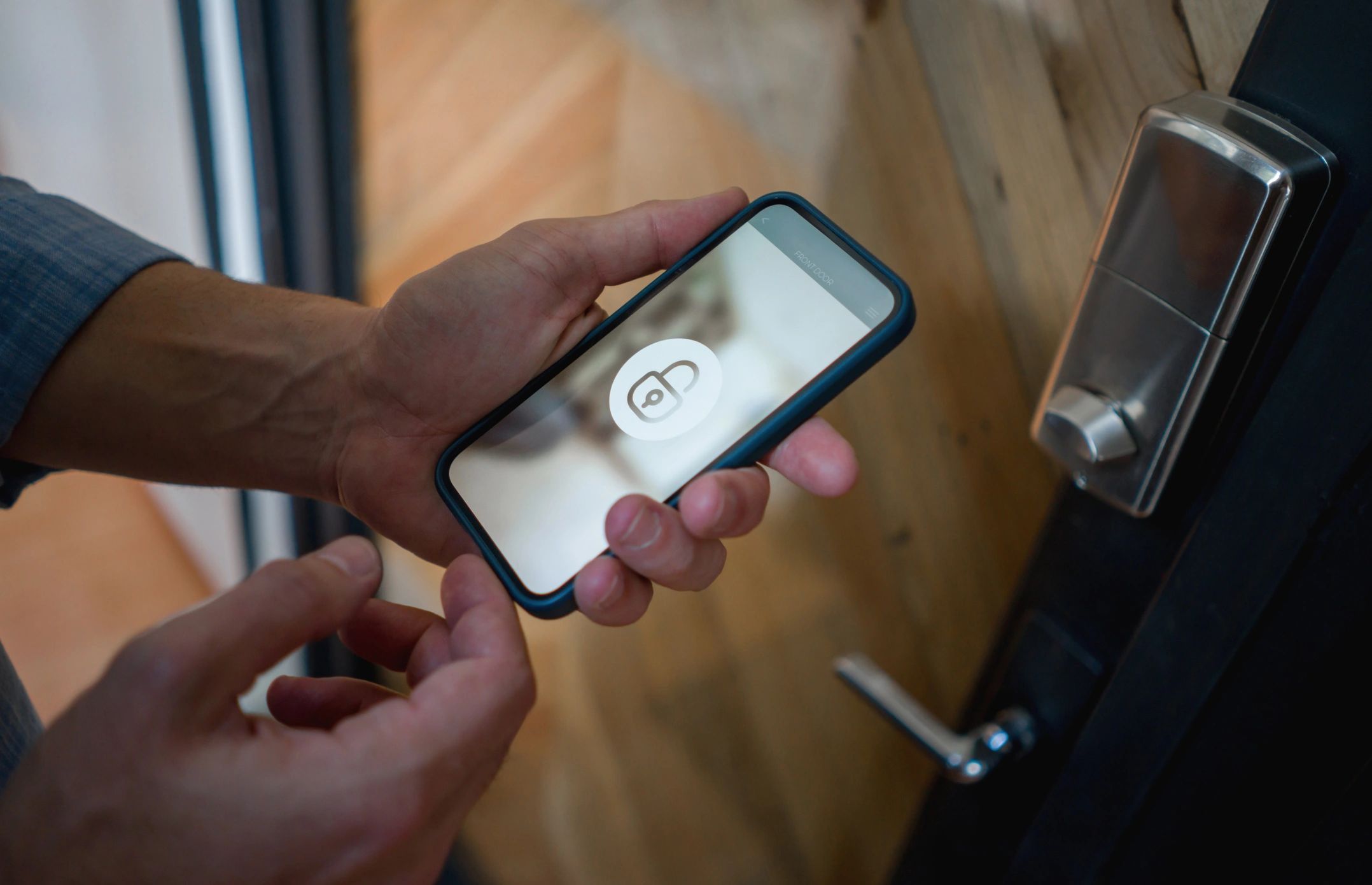
Most people lock their front door when they leave the house.
One lock. One key. Simple.
Now imagine someone made a copy of your key without you knowing. They didn't break in. They didn't pick the lock. They just walked up, used a key that looked exactly like yours, and let themselves in.
That's what happens when someone steals your password.
And it happens more than you'd think.
What MFA Actually Is
Multi-factor authentication, or MFA, is a second lock on your accounts. You might also see it called two-factor authentication, or 2FA. Same idea, different name.
Here's the concept: instead of just asking for your password, a website or app asks for something else too. Usually a short code that gets sent to your phone, or generated by an app.
The logic is straightforward. Even if someone has your password, they probably don't also have your phone. So they can't get in.
One lock. Two keys. Much harder to copy both.
Why Your Password Alone Isn't Enough
Passwords get stolen in ways that have nothing to do with you being careless.
A company you have an account with gets hacked. Your email and password end up in a list that gets sold on the internet. Someone tries that combination on your bank, your email, your Amazon account. If you use the same password in multiple places, they're in.
This happens constantly. Billions of stolen credentials are floating around online right now. Security researchers track these lists. The numbers aren't small.
The uncomfortable truth is that a strong password helps, but it's not a complete defense on its own. MFA is what closes the gap.
The Three Types You'll Actually Encounter
Text message codes. You log in, and a six-digit code gets sent to your phone. You type it in. Done. This is the most common version and the easiest to set up. It's not perfect, but it's dramatically better than nothing.
Authenticator apps. An app on your phone generates a fresh six-digit code every 30 seconds. Google Authenticator and Microsoft Authenticator are the two most common. You open the app, type the current code, and you're in. Slightly more setup, meaningfully more secure than text messages.
Passkeys and hardware keys. These are newer and less common for everyday use. A passkey ties your login to your specific device using biometrics, like your fingerprint or face. A hardware key is a small physical device you plug in. Both are excellent. You'll encounter them more as time goes on.
For most people, text message codes or an authenticator app is the right starting point.
"But It's So Annoying"
Fair. It does add a step.
Here's the thing though: most apps and websites only ask for the second factor when you're logging in from a new device or location. Once your laptop or phone is recognized, you often won't see it again for weeks.
The inconvenience is real but small. The protection is real and significant.
Think about it this way. A deadbolt takes two extra seconds to lock. Nobody skips it because it's inconvenient. MFA is the deadbolt for your accounts.
Where to Turn It On First
Not everything needs MFA immediately, but these do:
Email. Your email is the master key to everything else. If someone gets into your email, they can reset the password on every other account you have. This one is non-negotiable.
Banking and financial accounts. Most banks already require it. If yours doesn't offer it, that's worth noting.
Apple ID or Google account. These accounts are tied to your phone, your photos, your contacts, and often your payment information. Protect them.
Social media. Less critical than the above, but account takeovers on Facebook and Instagram are extremely common and often used to scam your contacts.
How to Turn It On
Every service is slightly different, but the path is almost always the same:
Go to your account settings. Look for "Security" or "Privacy." Find something labeled "Two-factor authentication," "Two-step verification," or "Multi-factor authentication." Follow the prompts.
If you get stuck, that's exactly the kind of thing we walk through in a session. No judgment, no rushing. Just someone sitting with you until it's done and you understand what you set up.
The Bottom Line
MFA won't make you unhackable. Nothing will. But it stops the most common type of account takeover cold, the kind where someone has your password and tries to use it.
It's a second lock. It takes a few minutes to set up. And once it's on, you mostly forget it's there.
That's a pretty good deal.
Not sure what else you should be doing to stay safe online? Our Start Here guide covers the essentials in plain language, no technical background needed.
Want help setting up MFA on your accounts? Book a session and we'll walk through it together, step by step. And if you're thinking about the bigger picture of AI and technology, AI Won't Replace You. But Someone Using AI Might. is worth a read.